


Shopware Commercial
Why do I need Shopware Commercial?
The Shopware Commercial extension is required for you to use the functions and features included in your plan (Shopware Rise, Evolve or Beyond). Once you activate the extension, your booked plan will be matched and all available features will be unlocked and provided to you. You can find an overview of the individual functions of the plans here.
Also, future features and innovations will be integrated into your system exclusively via Shopware Commercial, so you don't have to perform separate updates or changes.
Where can I find the extension?
You can find the extension under Extensions > My Extensions. If you use Shopware in the cloud, the extension is already pre-installed. Pre-installed apps are not displayed under My Extensions, but they are available to you.
In the self-hosted variant, you have to install the extension yourself before you can use it.
How do I install the extension?
As already mentioned, you don't need to do anything else if you use Shopware in the cloud. In self-hosted installations you will find the app under Extensions > My Extensions > Shopware Commercial.
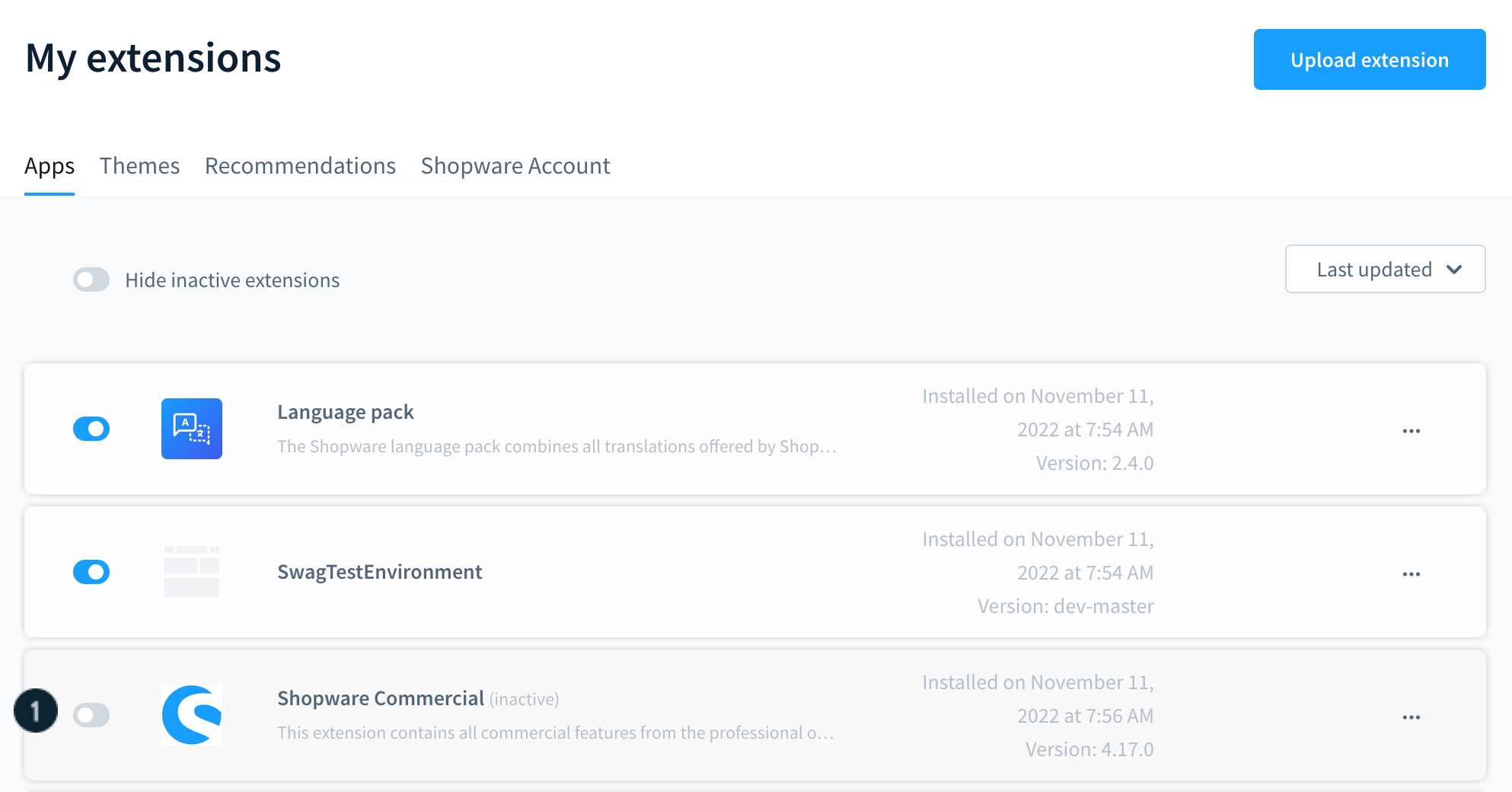
There you can install the extension - if you haven't already done so - and activate it (1).
As mentioned above, the extension must be installed manually if you use Shopware in the Self-hosted variant.
The installation is basically the same as for all other extensions. To do this, go to the Extensions > Store section in your administration and search for Shopware Commercial and add the extension. You can find more information about this process in the article Adding an extension.
Overview of features per plan
With the Commercial extension, you can activate the features that are available for your plan. The list below shows all the features that are played without an additional extension. If you would like a complete list of all features, you can find it here.
| Features / Plans | Shopware Rise | Shopware Evolve | Shopware Beyond |
| AI Copilot | |||
| AI Copilot | content for Shopping Experiences | X | X | X |
| AI Copilot | customer classification | X | X | X |
| AI Copilot | export assistant | X | X | X |
| AI Copilot | image keyword assistant | X | X | X |
| AI Copilot | review summary | X | X | X |
| AI Copilot | custom checkout message | X | X | X |
| AI Copilot | product properties | X | X | X |
| AI Copilot | translation for reviews | X | X | X |
| AI Copilot | product description | X | X | X |
| AI Copilot | Search by context | X | X | X |
| Workflow & Automation | |||
| Rule Builder | preview | X | X | X |
| Flow Builder | share flows | X | X | X |
| Flow Builder | webhook actions | X | X | |
| Flow Builder | delayed actions | X | ||
| Content Management & Design | |||
| 3D Viewer Block in Shopping Experiences | X | X | X |
| Inventory & Order management | |||
| Returns management | X | X | X |
| Multi-inventory | X | ||
| Subscription | X | ||
| B2B capabilities | |||
| Enhanced roles and permissions management | X | X | |
| Quote management | X | X | |
| Sales Agent | X | X | |
| Approval processes | X | X | |
| Quick ordering | X | X | |
| Order list | X | X | |
| Customer-specific pricing | X | ||
| Customer experience & Marketing | |||
| Advanced Search 2.0 | X | X | |
CLI commands of the extension
With the installation and activation of the plugin additional CLI commands are available, you can find the list here.